
04
May
Custom Sorting to OBIEE 11g
May 4, 2017
Custom Sorting to Column values in Pivot table
Custom Sorting In Pivot Table:
We have order status and the transactional amount. The requirement is to show the transactional amount across the three different order status:
1.Booked
2.Cancelled
3.Closed
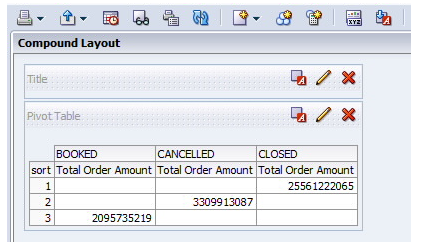
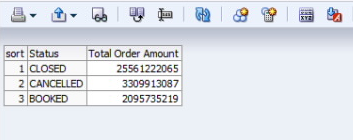
User wants the order status to be sorted in the report as below:
1.Closed
2.Cancelled
3.Booked
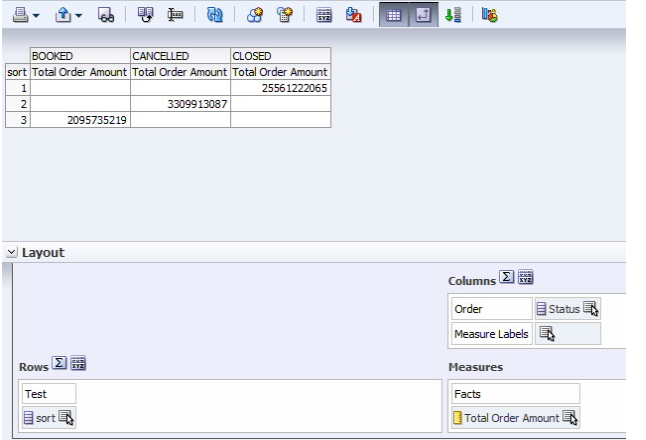
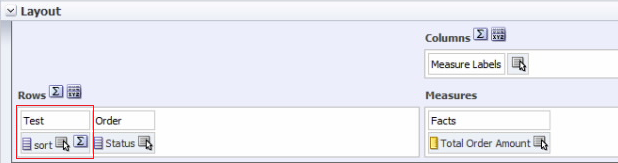
By default, obiee would sort the values in the alphabetical order. Generally sorting is applied from left to right, therefore the column for which custom sorting has to be applied should be placed in the left. Status is sorted using sort column in which the sorting order is defined and it should be placed in the left side.
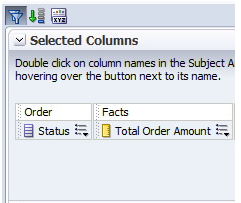
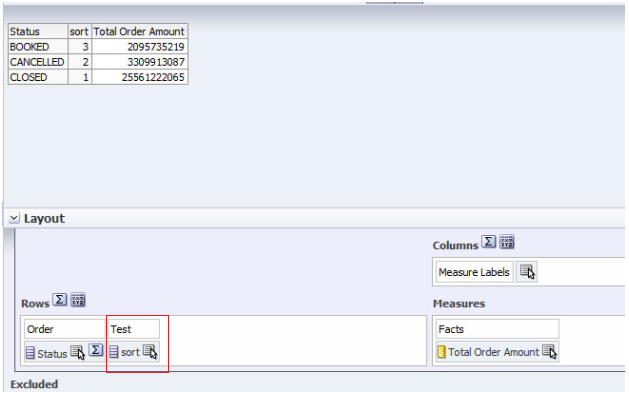
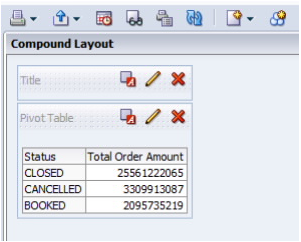
Order status and total order amount result

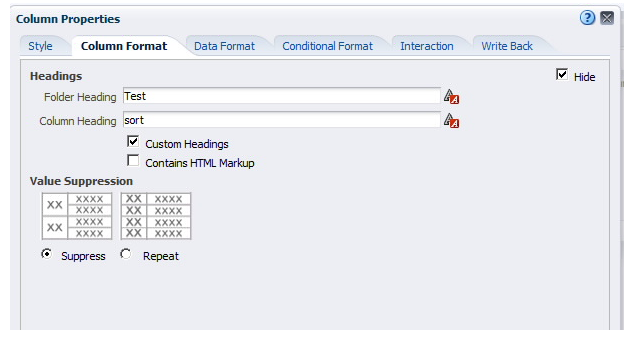
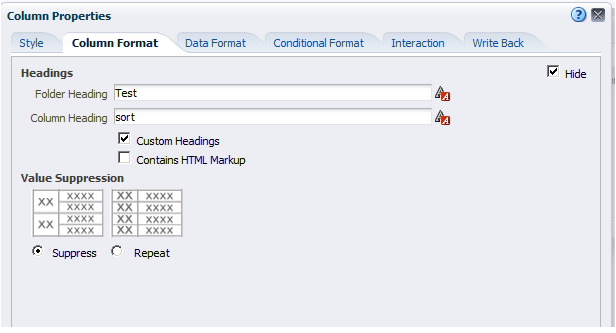
column formula – sort (pic)
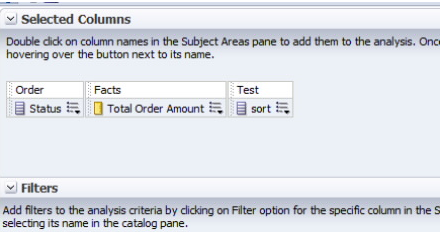
add sort column at the last and without applying sort-check criteria
Pivot Table:
No Comments